
If your Twitter Video Downloader is not working, do not panic. Most errors happen because of the link, the post privacy settings, deleted media, unsupported content, or a temporary platform change.
This guide explains the most common reasons a Twitter/X video link may fail and what you can try before giving up.
1. The Post Is Private or Protected
XSave works with respect creators, copyright, and platform rules only. If the account is protected or the post requires permission to view, the downloader cannot access it. Try opening the post in a private browser window.
2. The Post Was Deleted
If the author deleted the post or removed the media, the link may still exist in your clipboard, but the video is no longer available. In this case, the downloader cannot recover the deleted video.
3. The Link Is Incomplete
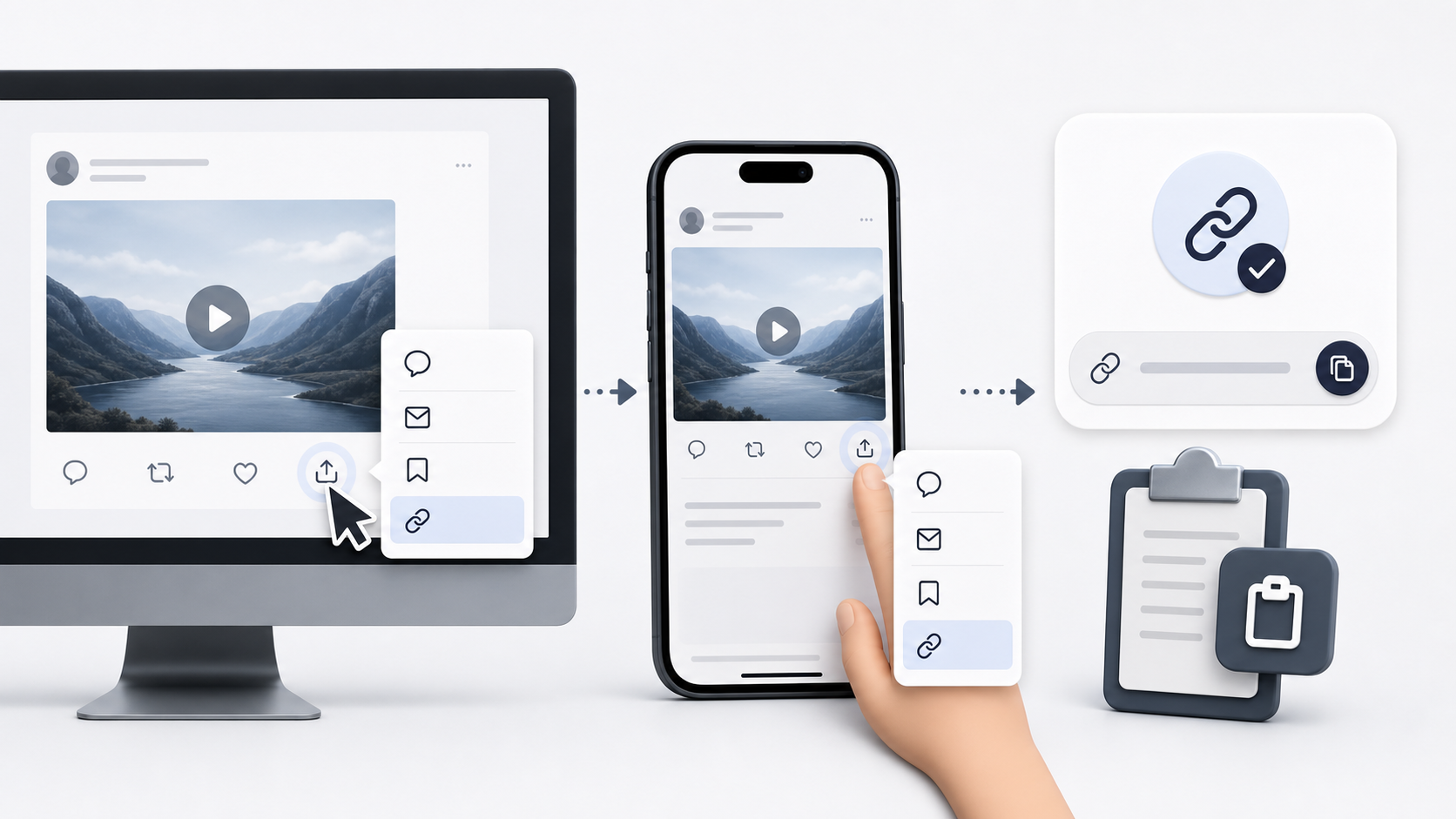
Sometimes users copy only part of the post, a shortened link, or the text of the post instead of the actual URL. Make sure you use the copy the full post link and copy the full post link.
4. The Post Does Not Contain a Video
Some posts include images, previews, embedded cards, quoted posts, or external links. A Twitter Video Downloader needs a post that contains supported video or GIF-style video media.
5. The Media Is Region-Restricted
Some videos may be limited by region, age, policy, or account settings. If the media is not publicly accessible in your location, the downloader may not be able to process it.
6. X Changed Something Temporarily
Social platforms change their media delivery systems from time to time. When this happens, downloaders may need updates. If your link is correct and public but still fails, wait and try again later.
7. Browser Cache or Extension Issues
Browser extensions, ad blockers, privacy tools, or cached scripts can interfere with download buttons. Try refreshing the page, using another browser, or opening XSave in incognito/private mode.
Quick Fix Checklist
Before contacting support, copy the link again from the original post, make sure the post is public, confirm the post contains a video or GIF-style media, refresh XSave, try another browser, disable interfering extensions temporarily, and test another public video link.
Conclusion
Most Twitter Video Downloader errors are caused by private posts, deleted media, incomplete links, unsupported content, or temporary platform changes. Start by checking the link and privacy status.