
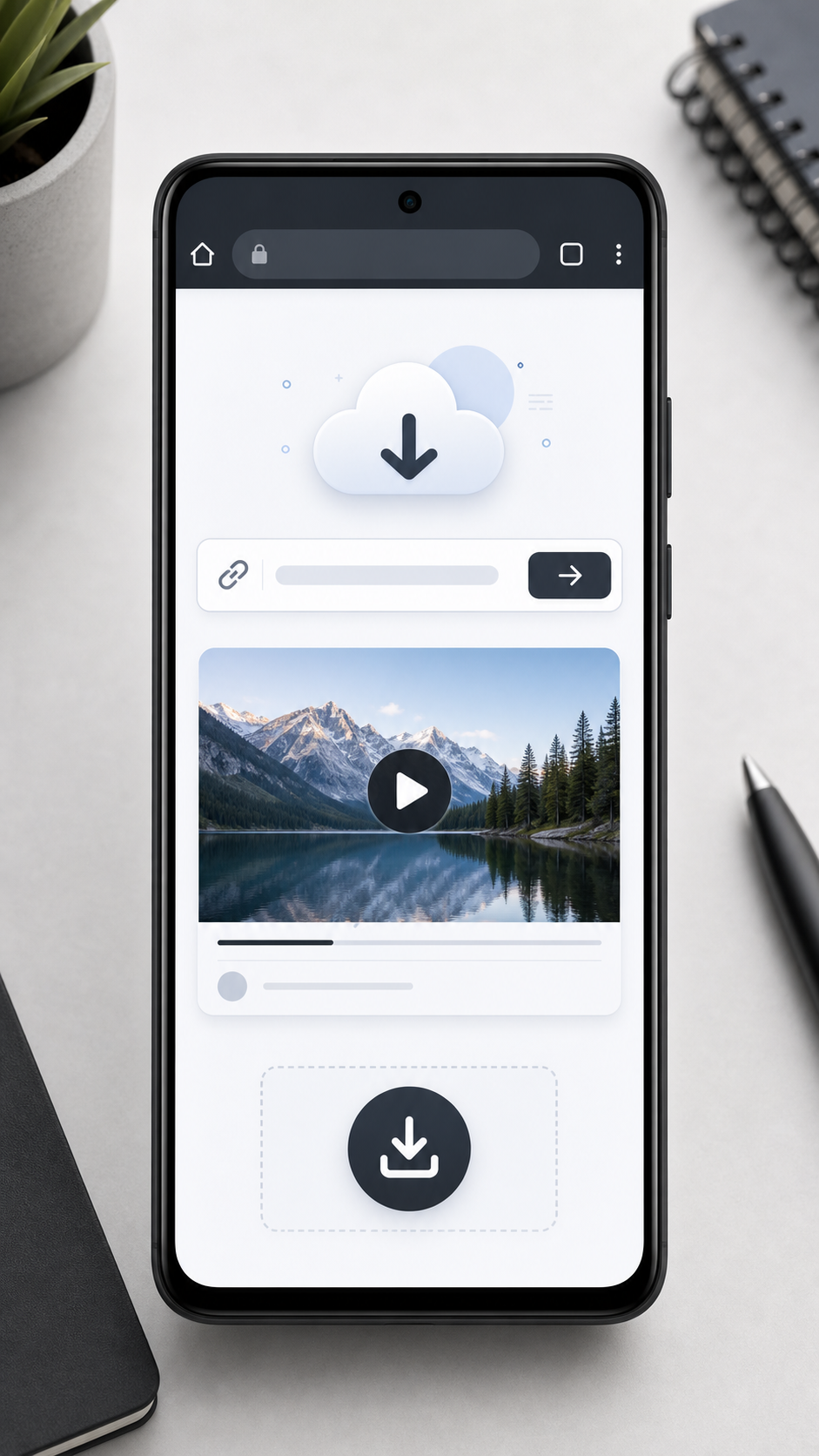
Android makes it easy to download files from the web, but Twitter/X videos still do not always have a built-in download option. With XSave, you can save supported public Twitter/X videos as MP4 files directly from your mobile browser.
The process is quick: copy the post link, paste it into the downloader, and save the video to your device.
Step 1: Open the Twitter/X Post
Open the X app or mobile website and find the public post that contains the video. The video must be inside a public post. Protected accounts, private posts, deleted posts, and restricted content are not supported.
Step 2: Copy the Post Link
Tap the share icon on the post. Choose Copy link or a similar option. This saves the post URL to your Android clipboard. If you are using a browser, you can also copy the link from the address bar after opening the post.
Step 3: Paste the Link into XSave
Open Chrome, Firefox, Samsung Internet, or any modern Android browser. Go to XSave and paste the link into XSave. Tap the download button and wait while the tool prepares the available video options.
Step 4: Save the Video
Choose the available MP4 quality and tap download. Android will usually save the file to your Downloads folder. You may also find it in your browser download history, file manager, or gallery app.
Where Are Twitter Videos Saved on Android?
Downloaded videos are usually stored in the Downloads folder, Files app, Gallery or Photos app, browser download list, or internal storage under Download.
Why Android Users Prefer Online Downloaders
A browser-based Twitter Video Downloader is convenient because you do not need to install an APK or third-party app. This keeps the process simple and avoids unnecessary permissions. You also do not need to log in with your X account.
Common Android Download Issues
If the video link may fail, check the link first. Make sure it is a full post URL and not just copied text. Also confirm that the post is still public and available.
Conclusion
To download Twitter/X videos on Android, copy the public post link, paste it into XSave, and save the MP4 file. It is fast, mobile-friendly, and does not require installing another app.